White
#FFFFFFPrimary canvas
--paperA practical system for how we look, speak, and show the work. Bold typography creates clarity. Technical illustrations make connected systems visible.
 CLICK SCIENCE VENTURES
Click Science Ventures is the primary identity. The atom mark pairs two black orbital loops with a bright green center dot. Pair it with the wordmark on a clean white canvas. Preserve the mark’s proportions.
Leave at least one mark-width around the lockup. Keep the mark small in navigation; let the typography and illustrations carry the page.
#FFFFFFPrimary canvas
--paper#0B0B0BHeadlines and body
--ink#2160FFEmphasis and action
--blue#B5FF30Small focal points
--lime#F5F8FFSupporting surfaces
--paper-2#626873Secondary text
--ink-3White and ink do most of the work. Use cobalt for emphasis and primary actions. Lime is a small highlight within diagrams—not a text color on white. Keep body copy high contrast.
We operate your
growth function.
We run growth for growing companies. Strategy, acquisition, conversion, lifecycle, and measurement work together.
Use comfortable line lengths and generous leading. Sentence case keeps the message direct.
01 / PRIORITIES → EXECUTION → PERFORMANCE
Use mono sparingly for section labels, steps, and technical details.
Display43–118 px · tight leading
Section heading36–76 px · bold
Body17–20 px · 1.55 line height
Label11 px · uppercase mono
Square corners. Clear labels. One primary action per group. Buttons have a minimum height of 48 px, with a visible keyboard focus outline.
Use spacing and alignment before adding boxes. Work within a 1440 px container, responsive page gutters, and a simple 8 px spacing rhythm.
Black sections mark a key idea or a transition. Keep the message short, the type large, and the surrounding space generous.
Fine cobalt and graphite lines. Pale drafting grids. Isometric structures. One small lime focal point. Use the growth operating system, rhythm, and partnership diagrams for current messaging. Supporting diagrams explain acquisition, infrastructure, optimization, operations, and automation.
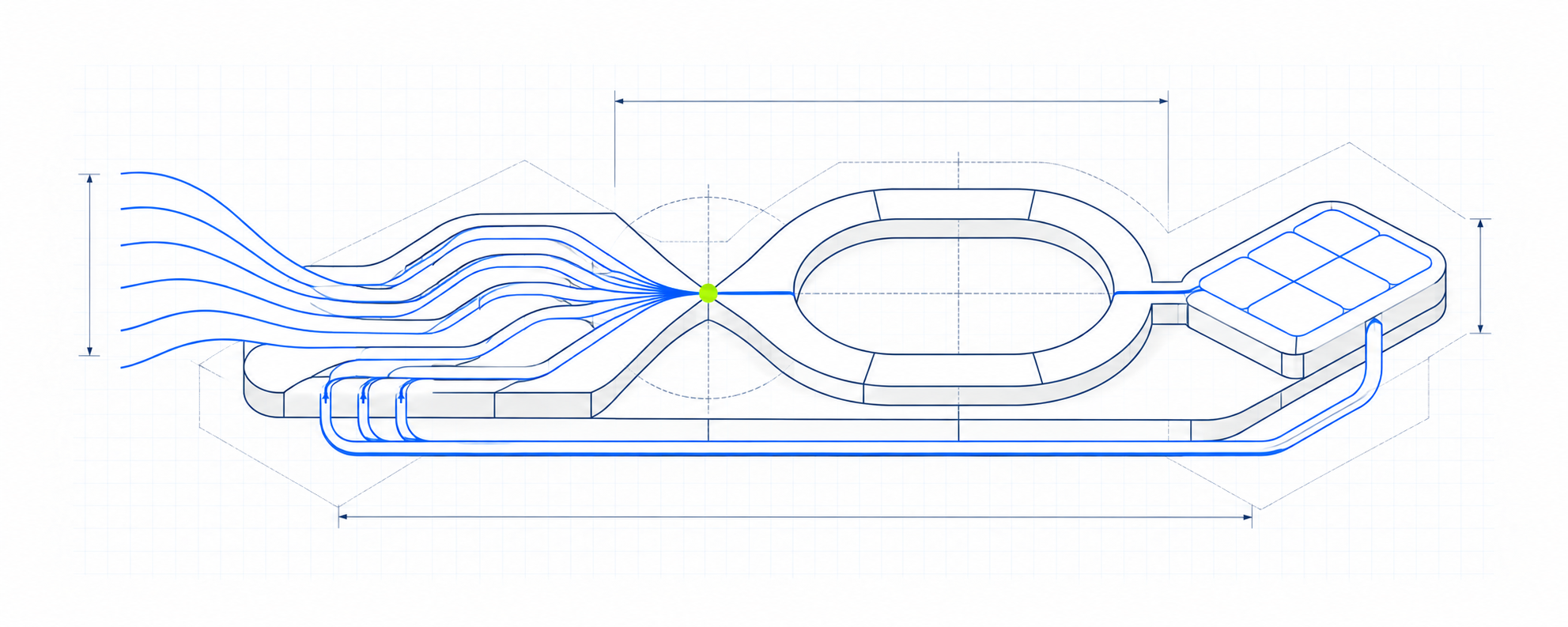
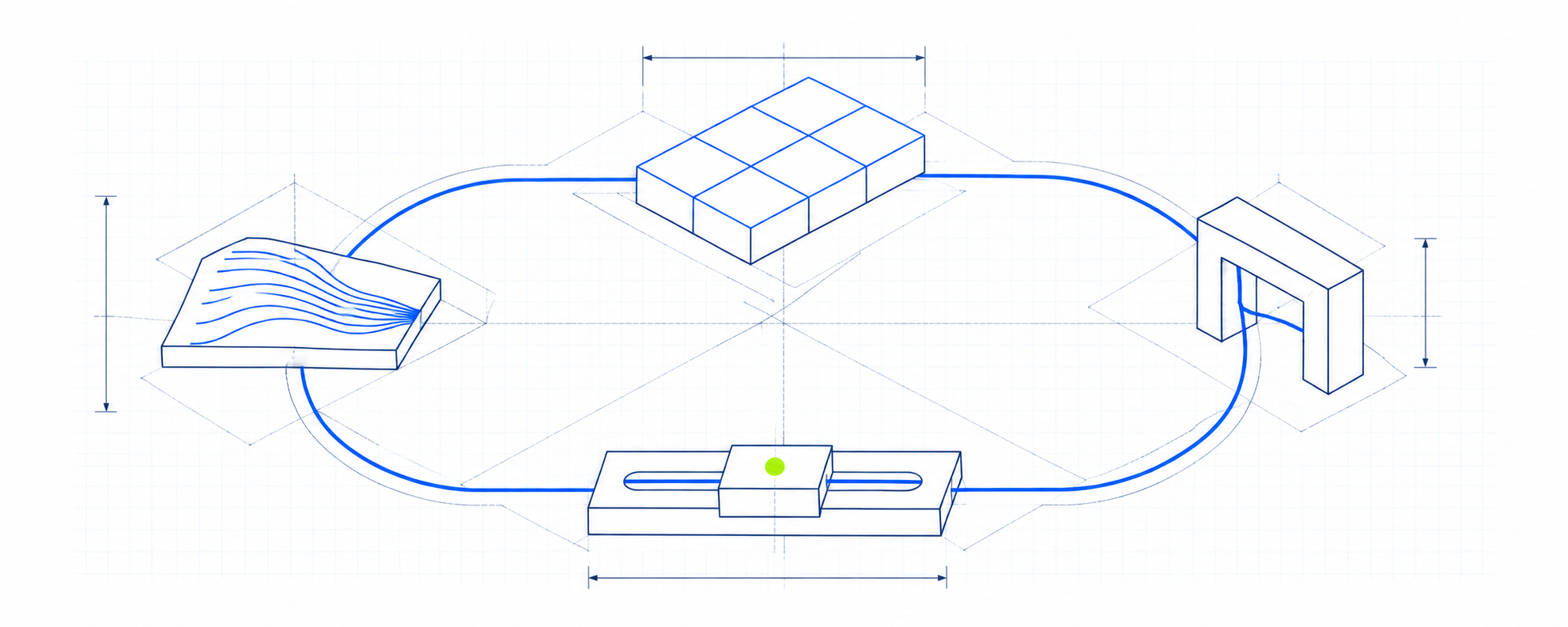
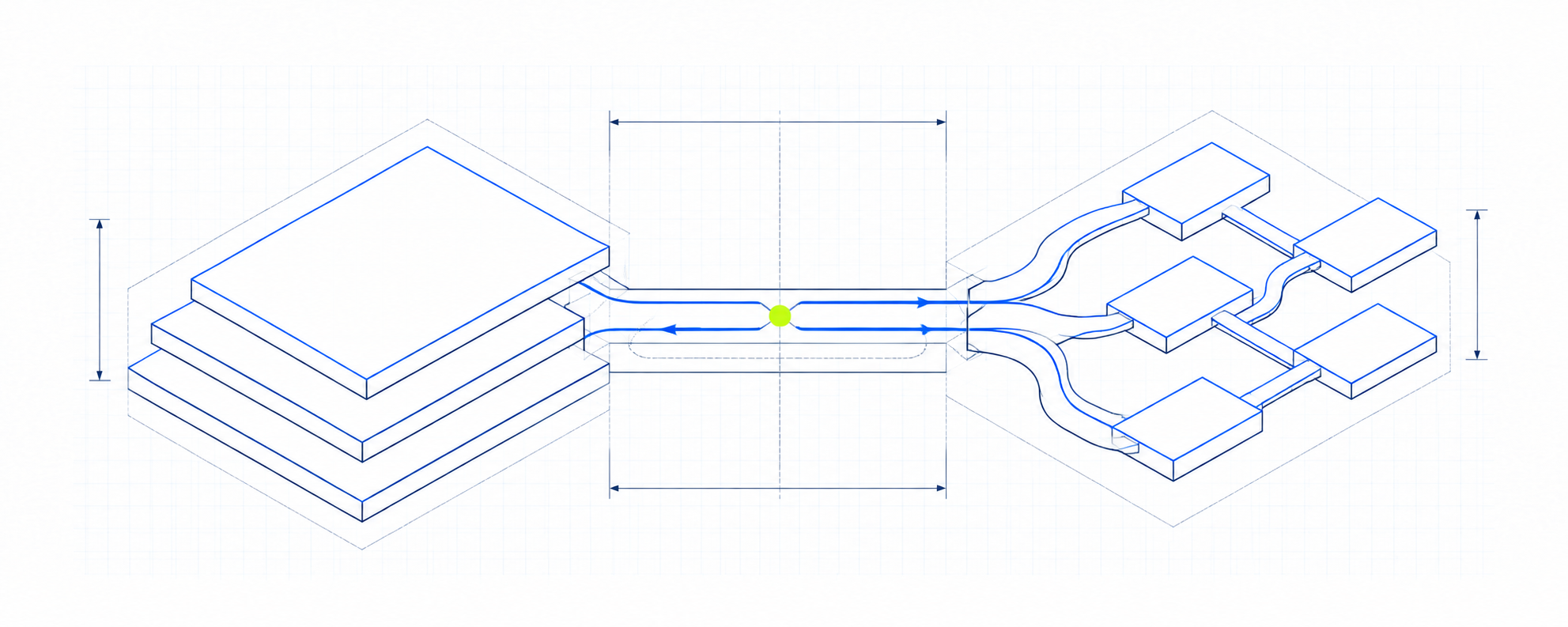
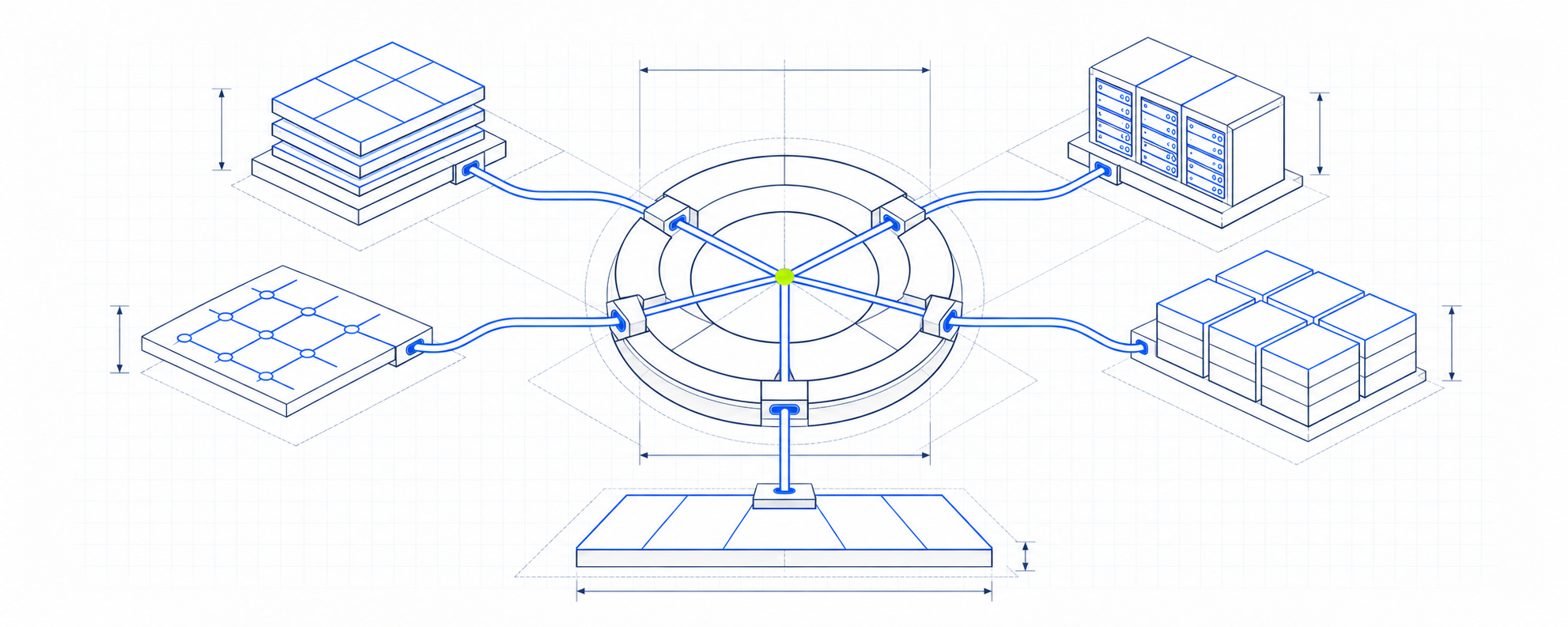
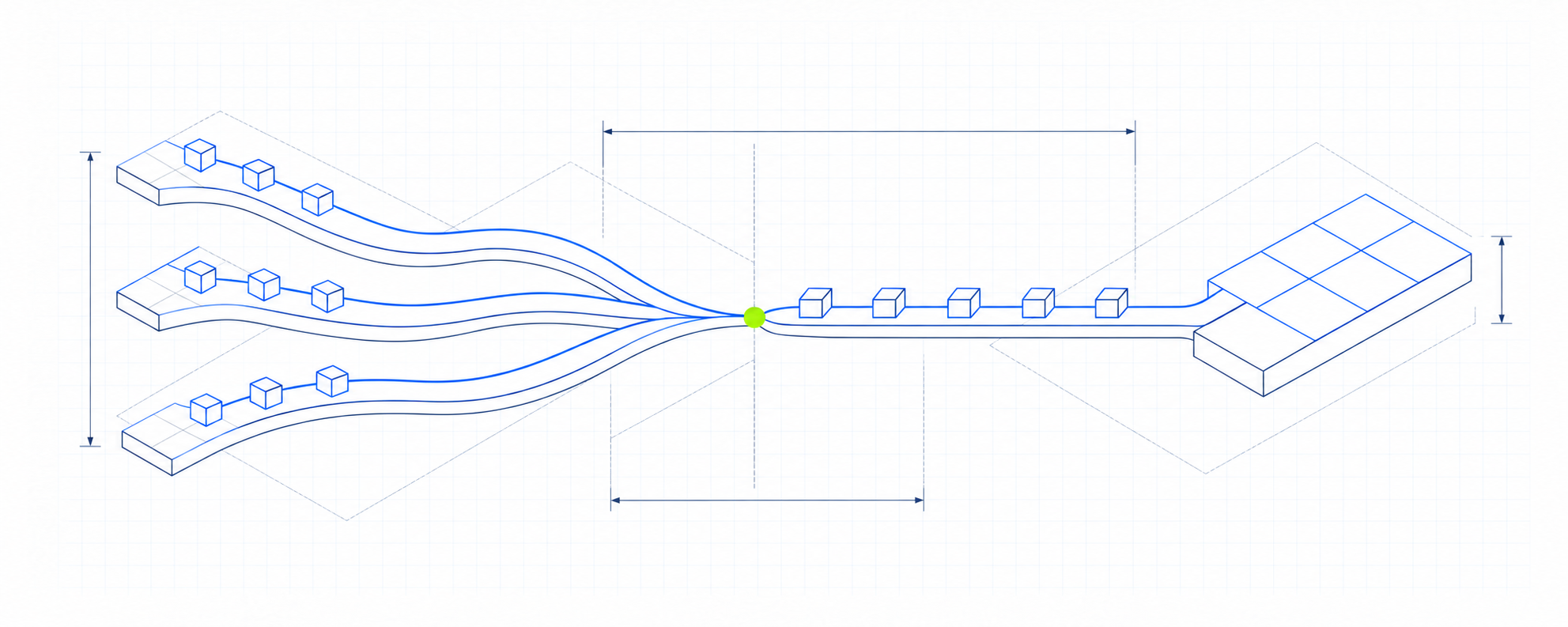
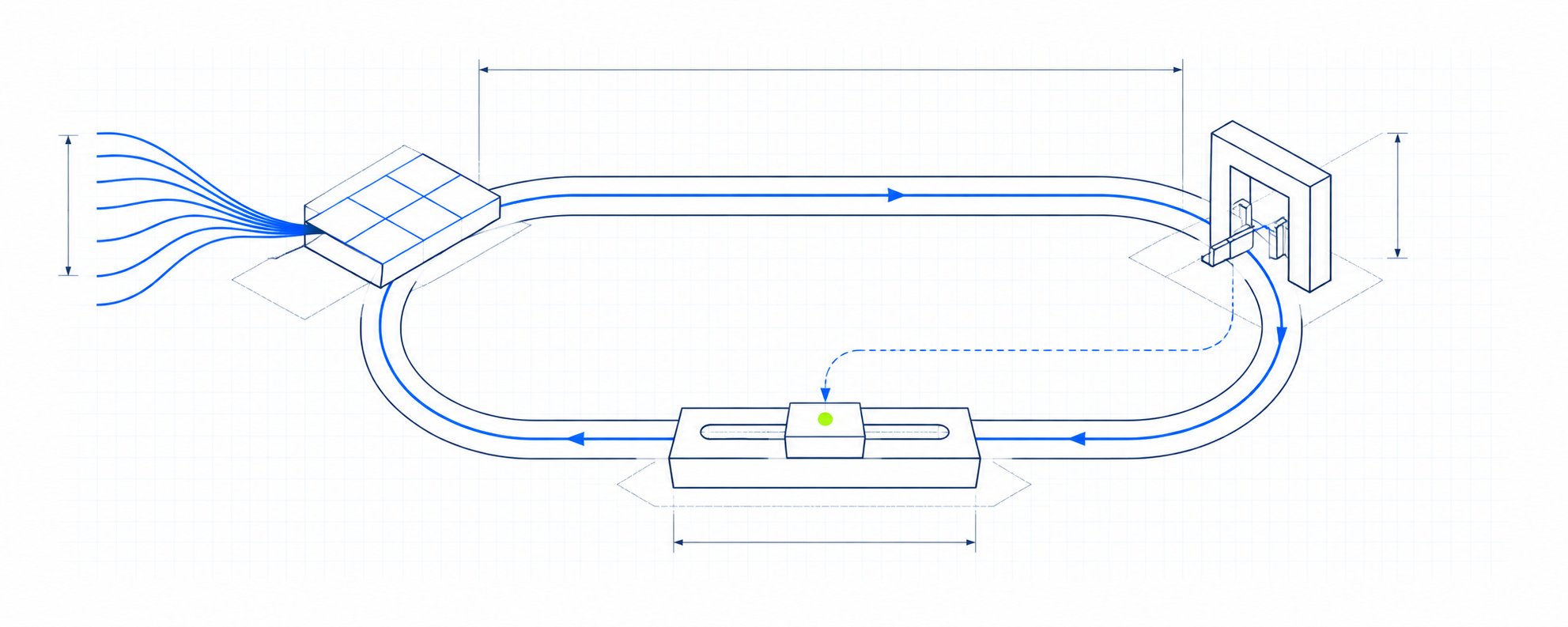
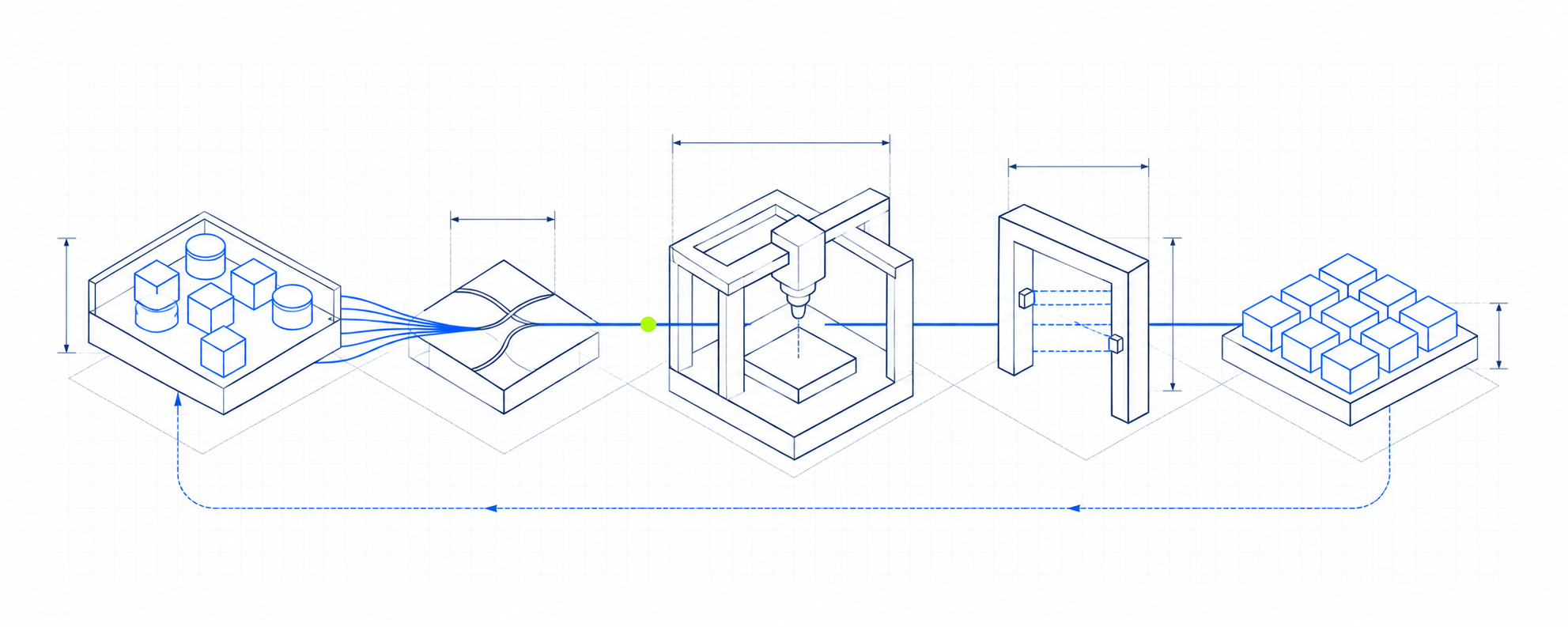
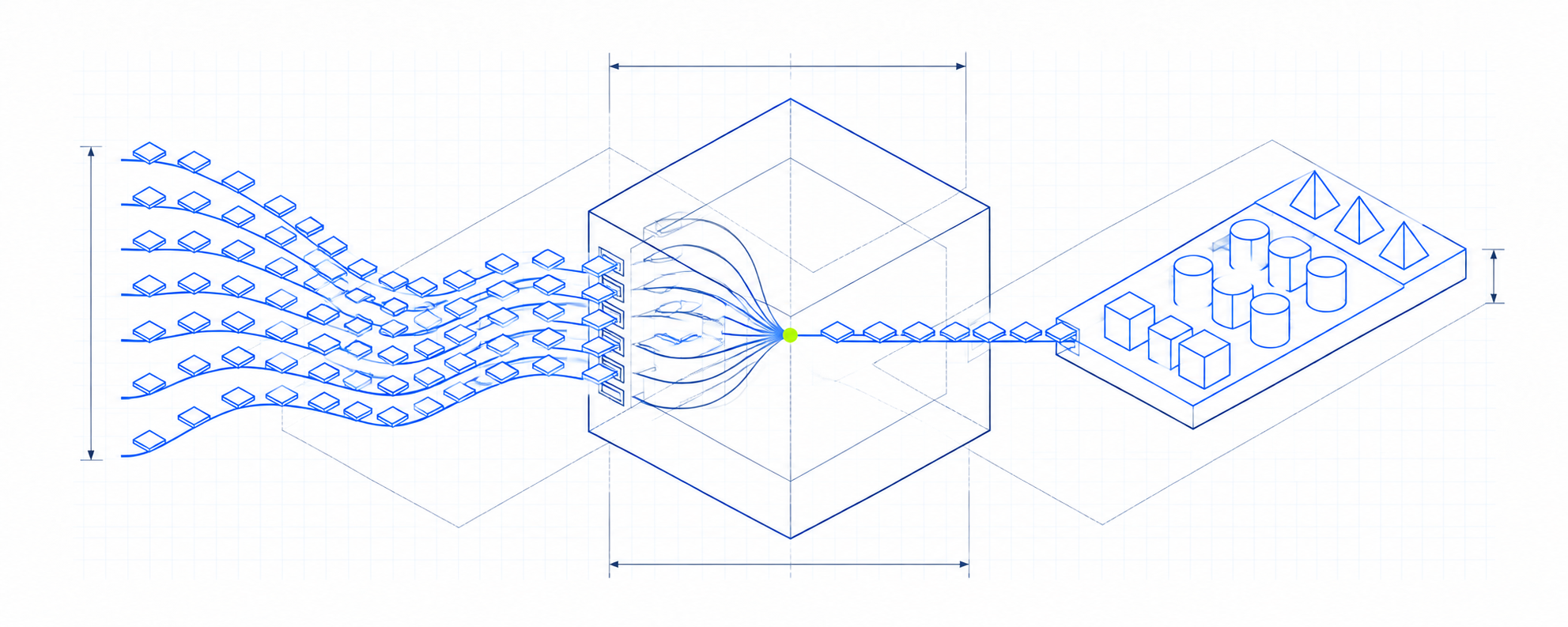
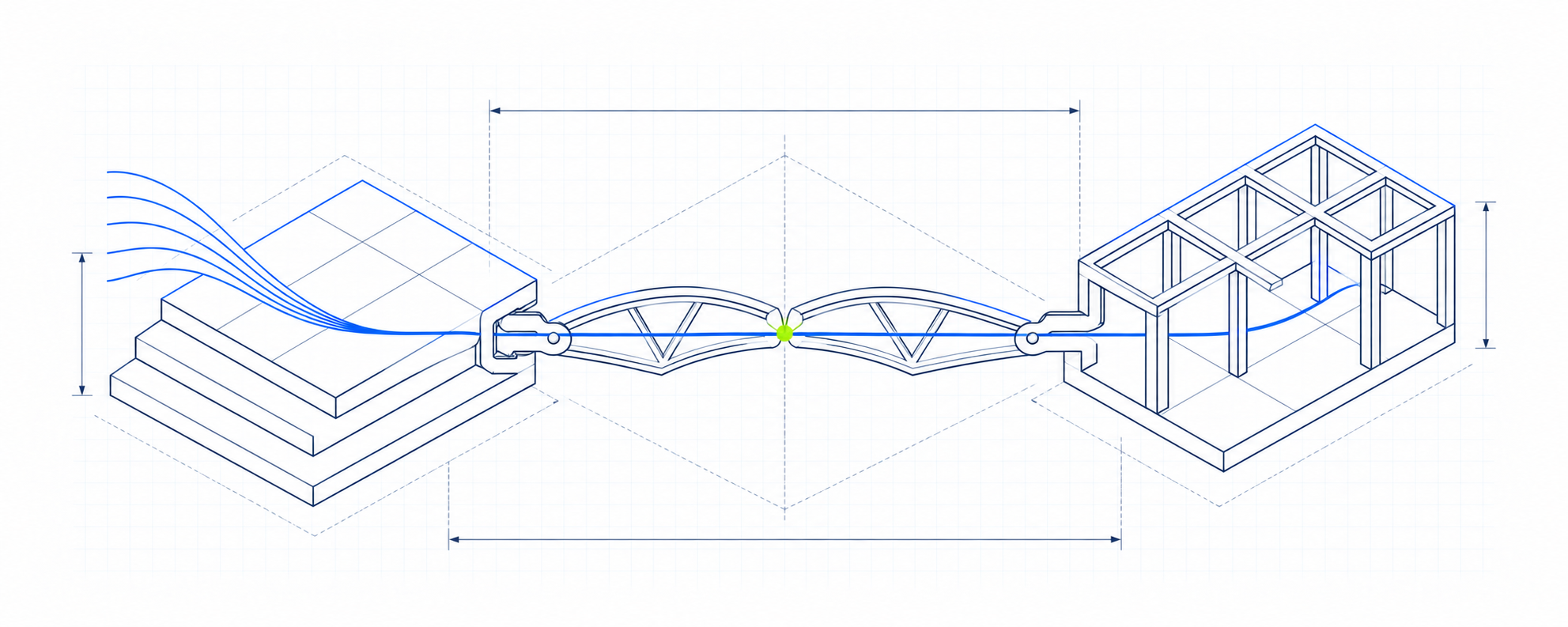
Preserve the wide aspect ratio, white margins, and complete diagram. Pair each image with a short explanation. Use the full illustration at a size where its structure stays legible.
Avoid pixel art, decorative laboratory imagery, heavy shadows, gradients, or dense labels inside images. Use HTML for accompanying text.
Growth direction. Acquisition. Conversion. Lifecycle. Operations. Use active verbs and make ownership clear.
“We operate your growth function.”
Describe the scope and working arrangement plainly. Use evidence for claims. Lead with the work we own and how it connects to the business.
“Run the channels, connect the customer journey, and make performance visible.”